How to Replace Lithium Battery in Taylor Scale Safely
Replacing the lithium battery in your Taylor scale may sound simple, but doing it right can help your scale last longer and work accurately. Many people use Taylor scales for weighing themselves, food, or even mail. When the battery gets low, the screen might flicker, show errors, or the scale might stop working.
Changing the battery is a task almost anyone can do at home—with a few tools and some patience.
If you’ve never replaced a lithium battery before, don’t worry. This guide will walk you through every step, from identifying the right battery to safely disposing of the old one. You’ll also learn how to avoid common mistakes and keep your scale working its best.
Whether you have a glass bathroom scale, a digital kitchen model, or one of Taylor’s smart scales, these instructions will help you handle the job with confidence.
Why Replace The Lithium Battery In Your Taylor Scale?
Digital scales use batteries to power the display and sensors. Most Taylor scales use lithium coin cells—usually a CR2032 or similar type. These batteries can last anywhere from six months to two years, depending on how often you use the scale.
When the battery is weak, your scale might:
- Show a low battery symbol
- Give inaccurate readings
- Fail to turn on
- Display random numbers or errors
Replacing the battery ensures your scale is reliable and safe to use. A fresh battery can also help the sensors and electronics last longer, because they won’t struggle with low voltage.
What You Need Before You Start
Before you open your Taylor scale, gather the right tools and materials. This helps prevent damage and makes the process smoother.
Tools And Supplies
- Replacement lithium battery (usually CR2032 or CR2026—check your manual or old battery)
- Small Phillips screwdriver (some scales use a flathead)
- Soft cloth (to protect the scale’s surface)
- Tweezers (optional, for easier battery removal)
- Gloves (optional, to keep fingerprints off the battery)
Choosing The Right Battery
Most Taylor scales use a CR2032 lithium coin cell. However, some models may need a different size, such as CR2026 or CR2016. Always check:
- The label inside the battery compartment
- The old battery itself (model number is printed on it)
- The user manual or Taylor’s website
Using the wrong battery can cause poor contact or even damage the scale.
Where To Buy Replacement Batteries
You can find lithium coin cells at most supermarkets, electronics stores, and online retailers. Look for a trusted brand (like Duracell, Energizer, or Panasonic) for best results. Avoid very cheap, unknown brands—they often have less power and can leak.
Steps To Replace The Lithium Battery In A Taylor Scale
Changing the battery usually takes about 5-10 minutes. Here’s how to do it safely and correctly.
1. Power Down And Prepare The Area
- Place the scale on a soft towel or mat. This prevents scratches or cracks, especially for glass scales.
- Make sure your hands are dry. If you use gloves, choose non-static ones.
- If your scale has a power button, turn it off.
2. Find And Open The Battery Compartment
- Turn the scale upside down.
- Look for a small battery cover—usually circular or rectangular.
- Some covers slide open, while others use a small screw. If there’s a screw, use the correct screwdriver. Avoid forcing it; these screws are often small and delicate.
3. Remove The Old Battery
- Carefully open the battery compartment.
- Note how the old battery is positioned (which side is facing up). Most often, the + (positive) side faces up.
- Use your fingers or tweezers to gently remove the battery. If it’s stuck, do not pry with metal tools; gently wiggle it out.
4. Insert The New Battery
- Unwrap the new battery—avoid touching both sides at once to prevent fingerprints or static.
- Place the new battery in the compartment, matching the orientation of the old one. The + sign should face the same direction.
- Press gently until the battery snaps into place.
5. Close The Compartment
- Replace the battery cover. If there’s a screw, tighten it just enough to hold (do not over-tighten).
- Double-check that the cover is secure and flush with the back of the scale.
6. Test The Scale
- Turn the scale right-side up.
- Step on or tap the scale to power it on.
- Check for a clear display and normal operation.
- If the scale does not turn on, recheck the battery orientation and contacts.
Types Of Taylor Scales And Battery Access
Not all Taylor scales are built the same. Here’s a comparison of common types and how you access the battery:
| Scale Type | Battery Location | Access Difficulty | Battery Type |
|---|---|---|---|
| Glass Bathroom Scale | Back, center or corner | Easy | CR2032 |
| Digital Kitchen Scale | Back, often under a flap | Easy | CR2032 or AAA |
| Body Fat/Smart Scale | Back, often with screws | Moderate | CR2032 or multiple cells |
| Compact Travel Scale | Side or back | Easy | CR2032 |
Knowing your model can help you prepare and avoid surprises.
Common Mistakes When Replacing Batteries
Even a simple job can go wrong. Here are errors to avoid:
- Using the wrong battery size – Always double-check before buying.
- Inserting the battery upside down – This can cause the scale to malfunction.
- Touching both sides of the battery – Oils from your skin can reduce contact.
- Forcing open the battery cover – If stuck, check for hidden screws or clips.
- Losing the battery cover or screw – Place all parts in a small dish during the process.
How Long Do Taylor Scale Batteries Last?
On average, a CR2032 battery in a Taylor scale lasts 12–24 months with moderate use (once daily). However, battery life can vary based on:
- Scale type (kitchen scales may use less power)
- Display brightness and features (backlight uses more power)
- Frequency of use
If your scale drains batteries quickly, it may have a stuck button, internal moisture, or another fault.
Battery Life Comparison
Here’s a table comparing average battery life for different Taylor scale types:
| Scale Type | Battery Life | Notes |
|---|---|---|
| Basic Bathroom Scale | 18-24 months | No backlight |
| Backlit Bathroom Scale | 12-18 months | Uses more power |
| Kitchen Scale | 12-24 months | Lightweight use |
| Body Fat/Smart Scale | 6-12 months | Bluetooth/Wi-Fi drains battery |
If your scale runs out much faster, check for a battery drain or consult Taylor support.
Disposing Of Old Lithium Batteries Safely
Lithium coin cells are hazardous waste and should never go in the regular trash. Here’s how to handle them:
- Place the old battery in a small, childproof container.
- Take used batteries to an electronics store, recycling center, or hazardous waste collection site.
- Do not store old batteries in a drawer—they can leak, overheat, or be swallowed by children or pets.
Troubleshooting: If Your Taylor Scale Still Won’t Work
If you’ve replaced the battery but the scale still does not function, try these steps:
- Double-check battery orientation – Positive side should match the compartment label.
- Clean the contacts – Use a cotton swab and a little rubbing alcohol to remove any corrosion or dirt.
- Try another new battery – Sometimes batteries are faulty, even when new.
- Reset the scale – Look for a reset button, or remove the battery for 10 minutes, then reinsert.
- Check for damage – Inspect the battery compartment for rust, swelling, or broken parts.
If problems continue, the scale may have an internal fault. Taylor offers customer support and replacement parts for many models.
Tips For Longer Battery Life
Small changes can help your scale’s battery last longer:
- Turn off the scale after use (if it has a power button).
- Store the scale in a dry, cool place—heat and humidity drain batteries.
- Avoid overloading the scale, which can stress the electronics.
- If storing for long periods, remove the battery to prevent leaks.
Real-world Example: Replacing A Cr2032 In A Taylor Glass Bathroom Scale
Let’s look at a common situation—a Taylor glass bathroom scale with a CR2032 battery.
- Place the scale upside down on a towel.
- Locate the round battery cover; use a small Phillips screwdriver to remove the screw.
- Pop out the old CR2032 with your fingers, noting the “+” side up.
- Insert a fresh CR2032, “+” side up.
- Replace the cover and screw.
- Turn the scale over. Tap the surface with your foot to activate.
- The display should light up normally—ready to use.
Many users forget to note the battery orientation, which leads to confusion if the scale won’t start. Taking a phone photo before removing the old battery can help you remember.

Credit: www.ifixit.com
Signs You May Need To Replace The Battery (even If It’s Not Dead Yet)
Sometimes, a battery isn’t completely dead but is still causing trouble. Watch for these signs:
- The display is dim or flickering
- The scale takes a long time to show numbers
- You get inconsistent weights with repeated use
- The scale shuts off quickly after turning on
Replacing the battery early can avoid frustration and keep your scale accurate.
Understanding Taylor Scale Error Messages Related To Battery
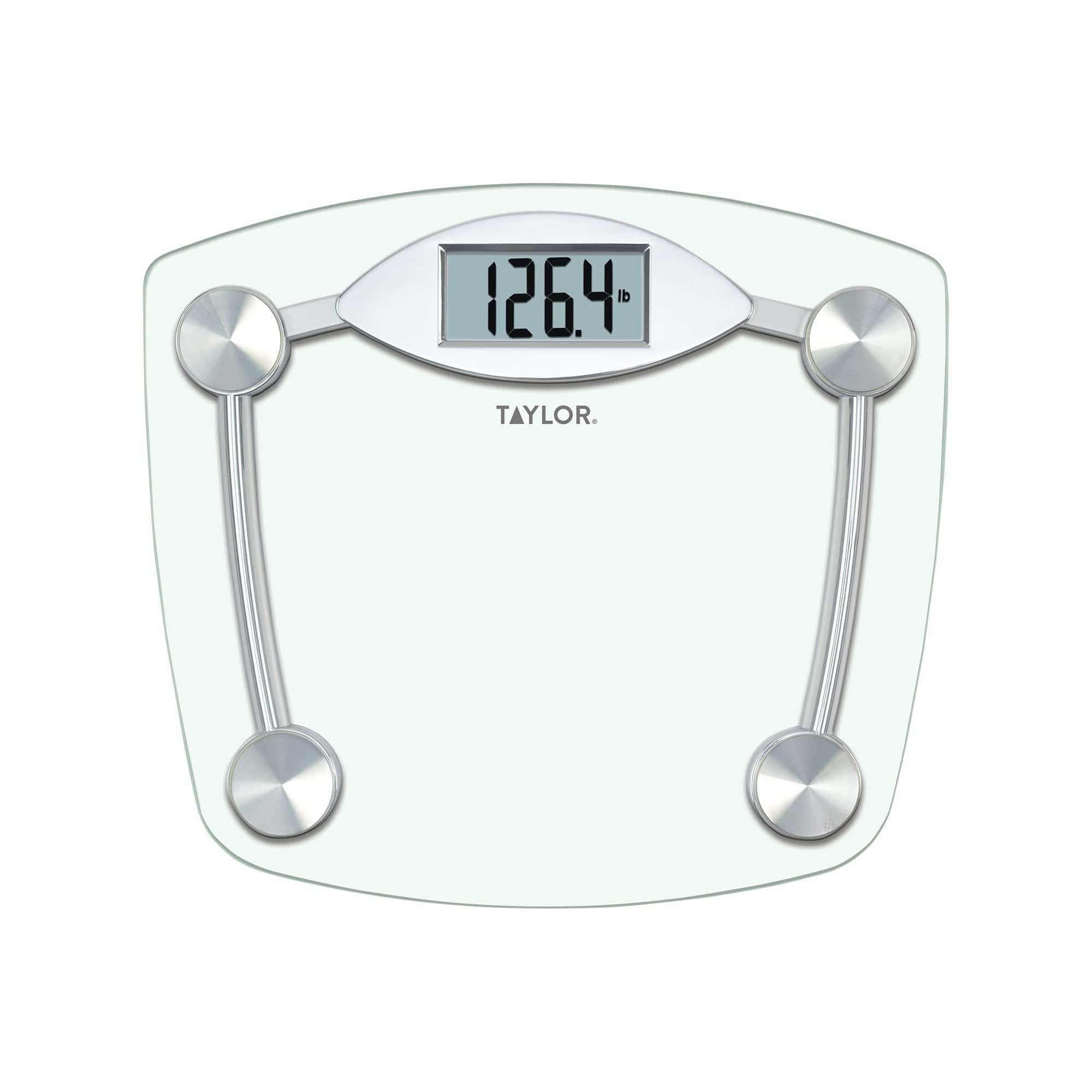
Taylor scales sometimes show error messages when the battery is low or inserted incorrectly. Common error messages include:
- “Lo” or “Low” – Battery needs changing
- “Err” – May be battery or overload issue
- Blank display – Battery is dead or contacts are dirty
If you see these messages, follow the battery replacement steps above.
Credit: www.taylorusa.com
How To Find Your Taylor Scale Model Number
If you’re unsure what battery your scale uses, you’ll need the model number. You can find it:
- On a sticker or label on the back or bottom of the scale
- In your user manual
- On your purchase receipt or order email
With the model number, you can look up the correct battery type on the Taylor website or by searching online.
Should You Use Rechargeable Batteries In Taylor Scales?
Most lithium coin cells used in Taylor scales are not rechargeable. While rechargeable coin cells exist, they are not usually compatible with these devices. Using the wrong battery type can cause poor performance, leaks, or damage.
For kitchen scales that use AAA batteries, you can use rechargeable AAA batteries. But always check your manual before switching battery types.
How To Store Spare Batteries Safely
Lithium coin cells can be dangerous if swallowed. Always:
- Keep spare batteries in their original packaging.
- Store them out of reach of children and pets.
- Do not mix old and new batteries in the same container.
A secure drawer or a small plastic box with a lid is best.
The Environmental Impact Of Lithium Batteries
Lithium batteries are small, but millions are used every year. Proper disposal and recycling keep harmful chemicals out of landfills and water. Many communities offer free battery recycling. By recycling, you also help recover valuable metals used in new batteries.

Credit: www.youtube.com
When To Replace Your Taylor Scale Instead Of Just The Battery
Sometimes, replacing the battery doesn’t fix your scale. Signs you may need a new scale include:
- Persistent error messages after battery change
- Cracked or damaged platform
- Rust or corrosion inside battery compartment
- Inaccurate or wildly fluctuating readings
Taylor scales are generally affordable, and newer models may offer better accuracy, smartphone connectivity, or other useful features.
Comparing Taylor Scale Battery Replacement To Other Brands
Taylor scales are known for their simple battery access and clear labeling. Here’s how they compare to popular competitors:
| Brand | Battery Access | Common Battery Type | Ease of Replacement |
|---|---|---|---|
| Taylor | Back, often with simple cover | CR2032 | Easy |
| Weight Watchers | Back, screw cover | CR2032 | Moderate |
| Ozeri | Back, snap or screw cover | CR2032 | Easy |
| Withings | Back, may need multiple cells | AAA or AAAA | Moderate to hard |
Taylor’s clear design and standard battery size make replacements easier than some rivals.
Frequently Asked Questions
How Do I Know When My Taylor Scale Battery Is Low?
Most Taylor scales will show a “Lo” or “Low” message on the display. You might also notice the screen is dim, the numbers fade quickly, or the scale gives strange readings. These are signs to replace the battery soon.
What Type Of Battery Does My Taylor Scale Use?
Most Taylor bathroom and kitchen scales use a CR2032 lithium coin cell. Some models use CR2026, CR2016, or AAA batteries. Always check the battery compartment or user manual before buying a replacement.
Can I Use Any Brand Of Cr2032 Battery In My Taylor Scale?
Yes, you can use any trusted brand of CR2032 battery. Brands like Duracell, Energizer, or Panasonic are good choices. Avoid very cheap or unknown brands—they might leak or not last as long.
Is It Safe To Dispose Of Lithium Batteries In The Trash?
No, lithium batteries should not go in the regular trash. They can leak, overheat, or start fires. Take them to a battery recycling center or electronics store for proper disposal.
My Scale Still Doesn’t Work After Changing The Battery. What Should I Do?
Check the battery orientation and make sure the contacts are clean. Try another new battery. If the scale still does not work, it may have an internal problem. Contact Taylor customer support or consider replacing the scale.
Final Thoughts
Replacing a lithium battery in your Taylor scale is a simple but important task. With the right battery, some basic tools, and careful attention, you can keep your scale working reliably for years. Pay attention to battery life, handle batteries safely, and always recycle when you’re done.
If you ever run into trouble, Taylor’s website and manuals are helpful resources for troubleshooting.