How to Charge Moultrie Battery Pack Without Reducing Lifespan
One of the biggest game-changers has been switching to rechargeable battery packs like Moultrie’s for their Edge series cameras. Learning how to charge a Moultrie battery pack properly can save you serious money, reduce waste, and keep your cameras running reliably through weeks or months of deployment.
Whether you’re running a single camera on private land or a grid of cellular units for serious scouting, a good rechargeable pack eliminates the constant hassle of buying and disposing of alkaline batteries.
But these lithium packs aren’t foolproof. Charge them wrong, store them poorly, or pair them incorrectly, and you’ll see degraded performance, unexpected failures, or even safety issues in extreme conditions.
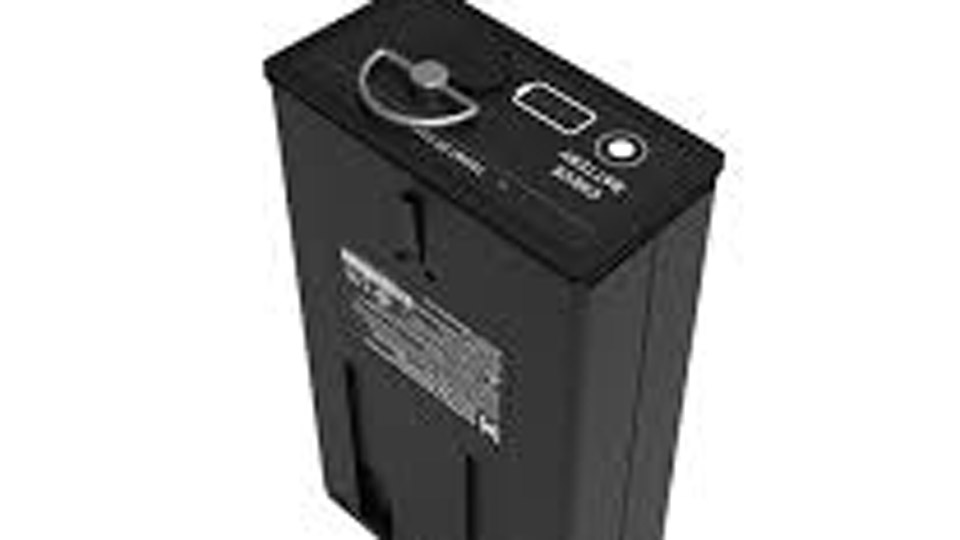
Image by moultrie
Understanding Moultrie Rechargeable Battery Packs
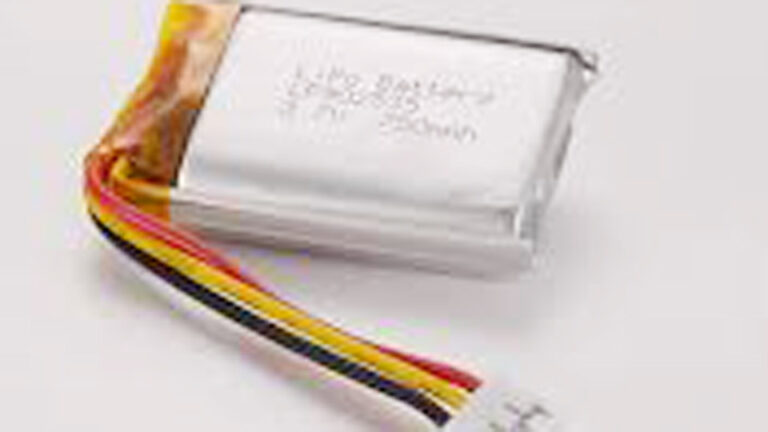
Moultrie’s rechargeable packs, often called Power Mag or similar lithium-ion models, are designed specifically for their Edge, Edge Pro, Edge 2, and compatible cellular trail cameras. These are typically 10.8V nominal lithium-ion packs with capacities around 3,000–5,500 mAh (roughly 32–60 Wh), delivering the equivalent of 12 or more AA batteries in runtime.
Unlike standard AA cells, these packs use lithium-ion chemistry (often Li-ion or variants close to LiFePO4 in durability for some aftermarket options). They provide stable voltage output, better cold-weather performance than alkalines, and the ability to handle hundreds to over 1,000 charge cycles when cared for.
Why it matters in real use: In trail camera setups, especially cellular models that transmit images, power draw spikes with every trigger and upload. A quality pack keeps voltage consistent longer, preventing the camera from shutting down prematurely during critical times like rut season or winter monitoring.
Types of Batteries Used in Trail Cameras and How Moultrie Packs Fit In
Trail camera power sources generally fall into a few categories:
- Alkaline AA batteries: Cheap upfront but poor in cold, high self-discharge, and expensive over time.
- Lithium AA (disposable): Excellent cold performance and long shelf life, but single-use.
- Rechargeable lithium-ion packs (like Moultrie Power Mag): The focus here — high capacity, rechargeable, designed for the camera’s tray or compartment.
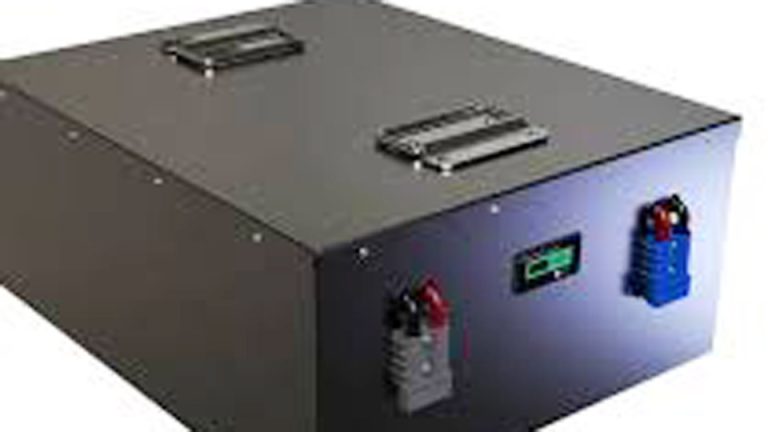
- Lead-acid or external deep-cycle (6V/12V): Used with battery boxes or solar setups for extended off-grid power.
- Solar-integrated systems: Panels paired with packs or external batteries for maintenance-free operation.
Moultrie packs shine in the rechargeable lithium category. They slide into the camera’s battery compartment (often with a specific orientation — arrows forward) and can even be charged while installed in some cases.
Pros and Cons Comparison:
| Battery Type | Capacity/Runtime | Cold Weather | Rechargeable | Cost Over Time | Best For |
|---|---|---|---|---|---|
| Alkaline AA | Moderate | Poor | No | High | Short-term, mild conditions |
| Lithium AA (disposable) | Excellent | Excellent | No | High | Extreme cold, reliability |
| Moultrie Li-ion Pack | High (12+ AA equiv.) | Good | Yes (1,000+ cycles) | Low | Long deployments, frequent use |
| External 12V Lead-Acid | Very High | Fair | Yes | Medium | Solar/off-grid stationary setups |
| Gel/AGM Sealed Lead-Acid | High | Good | Yes | Medium | Backup power |
In my experience, the Moultrie-style packs strike the best balance for mobile trail camera users who want to avoid constant AA changes.
How to Charge a Moultrie Battery Pack Step-by-Step
Charging a Moultrie battery pack is straightforward but requires attention to details for maximum lifespan.
- Gather the right equipment: Use the included USB-C cable. Pair it with a quality USB charger (5V/2A minimum, ideally PD-compatible up to 18W for faster charging). Avoid cheap no-name chargers that can deliver unstable power.
- Check current charge level: Press the check button on the pack. LEDs will indicate status — solid for completed levels, flashing for current. This is more accurate than the camera’s display.
- Connect and charge: Plug the USB-C cable into the pack (it can be done inside or outside the camera). A typical full charge takes 4–14 hours depending on the charger; faster PD chargers can do it in 2–7 hours or even around 1 hour for some models. LEDs provide feedback during charging.
- Monitor and disconnect: Don’t leave it indefinitely once full. Overcharging isn’t usually catastrophic with built-in protection, but it’s best practice to unplug at full charge.
- Verify in camera: Insert with proper orientation, power on the camera, and set the power source to “Rechargeable Pack” in the Moultrie Mobile app if applicable.
Pro tip from the field: Charge packs fully before heading out. Partial charges lead to shorter field life and faster overall degradation.
Charging Methods: Wall, Solar, and Alternatives
Wall/USB charging is the most reliable and controlled method. I keep a few dedicated PD chargers in my kit specifically for these packs.
Solar charging: Moultrie and third-party solar panels can top up or maintain packs in the field. Pairing a solar panel with the pack extends runtime dramatically, but direct solar input has limitations — panels often charge best through the camera or a compatible controller. Position panels south-facing (in the Northern Hemisphere) at an optimal angle and keep them clean.
External battery boxes: For ultra-long deployments, some users run 12V lithium or lead-acid batteries wired to the camera, with the Moultrie pack as backup. This requires proper voltage regulation (10.8V packs don’t like 12V+ directly without protection).
Common charging mistakes to avoid:
- Using the wrong cable or low-quality adapter (causes slow or incomplete charging).
- Charging in extreme heat (>90°F/32°C) or direct sun.
- Ignoring the LED indicators and assuming it’s full.
- Mixing old and new packs or incompatible third-party versions.
Battery Voltage, Capacity, and Lifespan Explained
Moultrie packs run at 10.8V nominal (fully charged around 12.6V, cutoff lower). Capacity in mAh or Wh tells you energy storage — higher Wh means longer runtime. A 5,000 mAh pack at 10.8V gives substantial Wh compared to AA cells.
Lifespan factors:
- Charge cycles: 1,000+ at 80% capacity with proper care.
- Temperature: Avoid prolonged heat; cold is better tolerated but slows charging.
- Depth of discharge: Don’t routinely drain completely.
- Storage: For off-season, store at 40–60% charge in a cool, dry place (below 90°F).
Degradation happens gradually. You’ll notice shorter runtimes after hundreds of cycles or poor storage.
Safety Considerations When Charging and Using Moultrie Packs
Lithium-ion batteries carry risks if mishandled:
- Overheating: Never charge in enclosed hot spaces or near flammables.
- Physical damage: Drops or punctures can cause issues — inspect for swelling or leaks.
- Short circuits: Keep terminals clean and protected.
- Compatibility: Stick to recommended packs; cheap knockoffs may lack proper BMS (Battery Management System) protection.
Always use in well-ventilated areas and monitor new packs for the first few cycles.
Maintenance Routines for Long-Term Reliability
Treat your packs like the investment they are:
- Clean contacts with isopropyl alcohol periodically.
- Check for firmware updates on cameras that might optimize power use.
- Rotate packs if you have multiples.
- Test capacity occasionally by running a camera until low and timing runtime.
For solar setups, ensure panels match the system’s needs and clean them monthly.
Troubleshooting Common Charging and Power Issues
- No LEDs when charging: Try a different cable, charger, outlet, or wall adapter. Full drain and recharge cycle sometimes resets.
- Pack not holding charge: Could be deep discharge, age, or damage. Test with known good charger.
- Camera shuts down despite “full” pack: Verify app power source setting, check connections, or test pack independently.
- Slow charging: Use higher wattage PD charger; avoid camera-on charging if possible for speed.
- Cold weather problems: Lithium packs handle cold better than alkalines, but extreme lows reduce available capacity temporarily.
Real-World Usage Examples Across Applications
In trail cameras, these packs excel for multi-week to multi-month deployments with moderate trigger rates. Hunters report weeks of heavy use on a single charge.
Similar principles apply elsewhere:
- Power tools and electronics: High-drain devices benefit from proper lithium charging protocols.
- Solar and backup systems: Pairing with deep-cycle lead-acid or LiFePO4 for home UPS or off-grid.
- Automotive/motorcycle: Starter batteries need different smart chargers, but lessons on voltage and maintenance transfer.
- UPS and security systems: Consistent charging prevents unexpected failures.
I’ve used comparable lithium setups in remote monitoring where replacing AAs was impractical — the time and cost savings add up fast.
Choosing the Right Battery and Charger Setup
Match capacity to your usage. For high-traffic areas or frequent video, go bigger or add solar. Consider third-party compatible packs for value, but test thoroughly.
Factor in total ownership cost: fewer AA purchases and less field time equal big wins.
Practical Storage and Off-Season Tips
Remove packs from cameras for long storage. Charge to ~50%, store cool and dry, and top up every 3–6 months. Avoid full discharge or 100% constant charge.
Advanced Tips from Hands-On Experience
One technician-level trick: Use a USB power meter or multimeter to monitor actual voltage and current during charging. This helps diagnose weak chargers or packs losing capacity early. Also, in very cold climates, pre-warm packs slightly before deployment if possible.
Final Takeaway
Mastering how to charge a Moultrie battery pack — and applying smart battery practices overall — turns frustrating dead cameras into reliable tools. You’ve got the knowledge on lithium vs. lead-acid behaviors, proper charging voltages and methods, common pitfalls like wrong adapters or poor storage, and real maintenance steps that extend life dramatically.
Whether you’re a weekend hunter, serious land manager, or off-grid enthusiast, these habits will keep your setups powered when it counts.
Always keep a spare fully charged pack in your kit and rotate them. It’s the simplest way to avoid downtime and catch a failing pack before it costs you trail data.
FAQ
How long does it take to charge a Moultrie battery pack?
Typically 4–14 hours with a standard charger, or 2–7 hours (sometimes as little as 1 hour) with a good USB PD charger. Charge time varies with adapter wattage and whether the pack is installed in the camera.
Can I charge a Moultrie battery pack while it’s in the camera?
Yes, but it may take longer if the camera is drawing power. For fastest results, charge separately and confirm full LEDs before installing.
What charger should I use for Moultrie rechargeable packs?
The included USB-C cable with any quality 5V/2A or higher PD-compatible wall adapter. Avoid very low-power or damaged chargers.
Why is my Moultrie battery pack not charging or holding a charge?
Check cable/adapter, try a full drain-recharge cycle, test different outlets, or inspect for damage. Ensure the pack isn’t too hot or cold during charging.
Are third-party replacement packs safe and effective for Moultrie cameras?
Many 5,000 mAh 10.8V options work well and save money, but buy from reputable sources, verify compatibility, and monitor initial cycles closely for any overheating or performance issues.