How to Fix NiMH Rechargeable Batteries & Restore Capacity
Few things are more frustrating than reaching for your cordless drill, camera, or rechargeable flashlight only to find the batteries barely hold a charge anymore. Before spending money on replacements, many people wonder how to fix NiMH rechargeable batteries and whether they can bring them back to life.
I’ve tested plenty of rechargeable batteries over the years, and I’ve learned that not every weak NiMH battery is ready for the recycling bin. Sometimes the issue is improper charging, long-term storage, or crystal buildup inside the cells rather than permanent damage.
On the other hand, I’ve also seen people waste hours trying methods that simply don’t work because they couldn’t tell the difference.
Knowing what’s actually wrong with your battery can save you money, improve performance, and help you avoid unsafe repair attempts. A little troubleshooting often goes much further than blindly replacing batteries or buying another charger.
I’ll show you the practical steps I use to diagnose common NiMH battery problems, explain which fixes are worth trying, and help you recognize when a battery can be restored—and when it’s time to replace it.
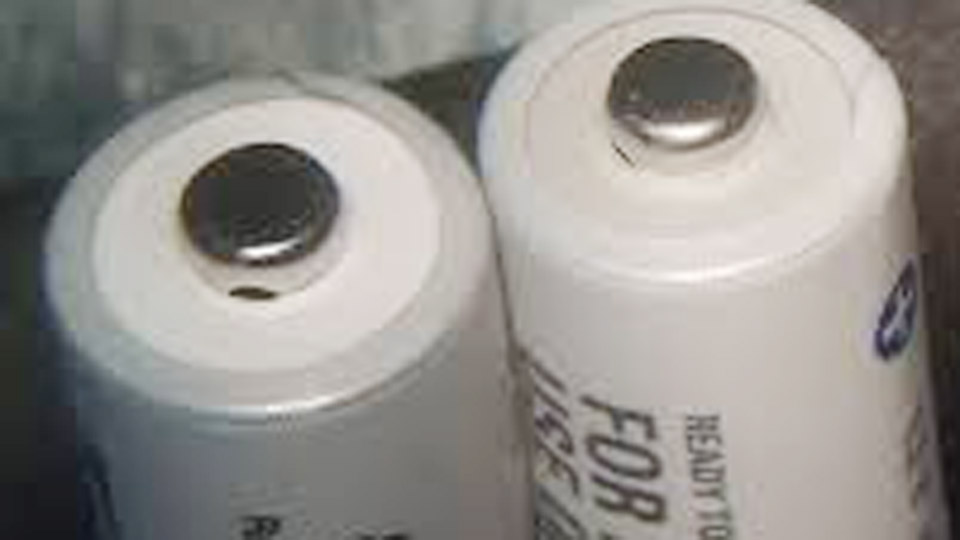
Image by eevblog
Why NiMH Batteries Fail and When Fixing Makes Sense
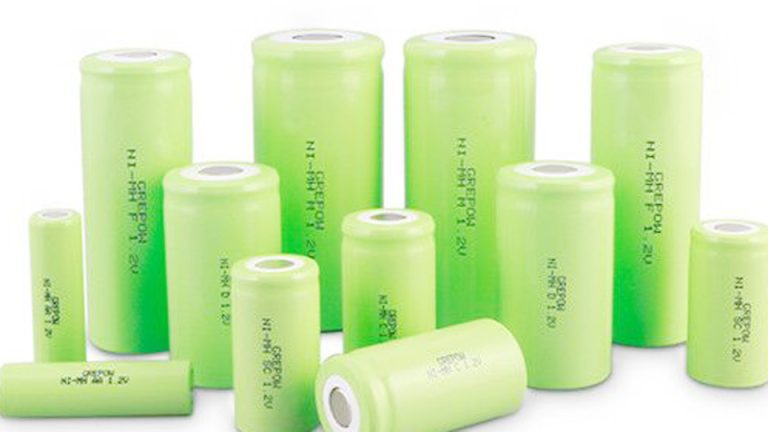
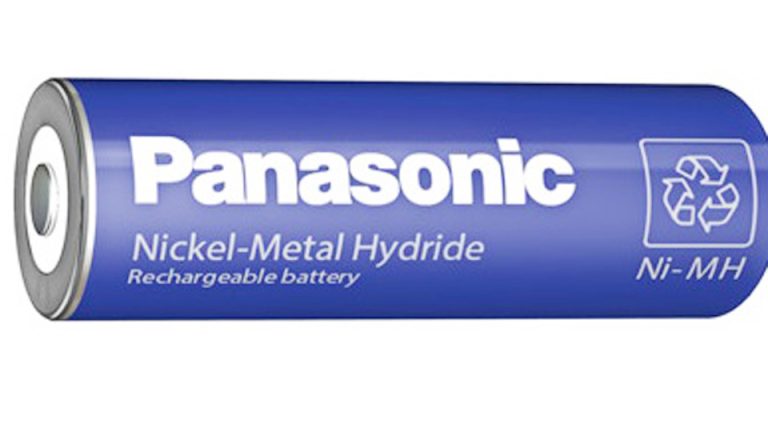
NiMH cells use nickel hydroxide and a metal hydride for the negative electrode, delivering a nominal 1.2V per cell. They offer decent capacity (often 2000-3000mAh in AA size) and tolerate moderate abuse better than older NiCd types, but they suffer from high self-discharge and sensitivity to over-discharge.
Common failure modes include:
- Deep discharge: Voltage drops too low (below 0.8-1.0V), causing the charger to reject the cell.
- Crystal formation (dendrites): From repeated partial cycles or storage.
- Memory effect: Less pronounced than in NiCd but still reduces usable capacity.
- Age and heat: Internal resistance rises, cutting runtime.
Fixing works best on cells under 3-5 years old that show no physical swelling, leaks, or extreme heat damage. If a pack has mixed weak and strong cells, address individuals carefully to avoid imbalance.
Understanding Battery Types: NiMH in Context
While this focuses on fixing NiMH, knowing the landscape helps when choosing or comparing replacements.
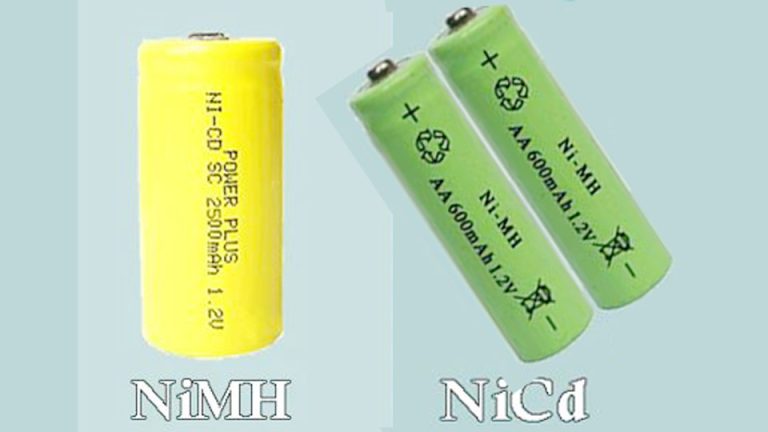
NiCd (Nickel-Cadmium): Older sibling with strong memory effect and toxic cadmium. NiMH largely replaced them due to higher capacity and lower environmental impact.
NiMH: Balanced choice for moderate-drain devices. Safer than lithium in puncture scenarios but heavier with higher self-discharge (loses 20-30% charge per month if unused).
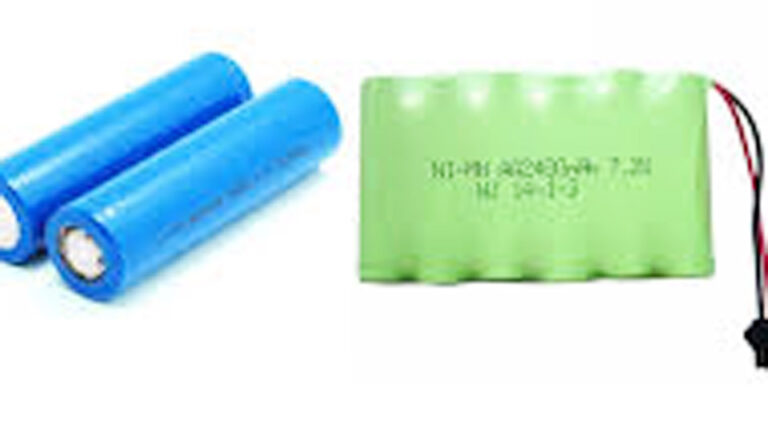
Lithium-Ion (including LiFePO4): Higher energy density, lower weight, thousands of cycles, and minimal self-discharge. Ideal for high-drain or long-term use but more expensive and sensitive to extreme conditions.
Lead-Acid, AGM, Gel: Heavy-duty for solar, automotive, or UPS but overkill and inefficient for small portables.
Comparison Table
| Type | Nominal Voltage | Typical Capacity (AA) | Cycle Life | Self-Discharge | Weight | Best Applications | Safety Notes |
|---|---|---|---|---|---|---|---|
| NiCd | 1.2V | 600-1500mAh | 500-1000 | Moderate | Medium | Power tools (older) | Toxic, memory effect |
| NiMH | 1.2V | 2000-3000mAh+ | 500-1000 | High | Medium | Cameras, toys, drills | Safer, but heat-sensitive |
| Li-Ion | 3.6-3.7V | Equivalent higher | 500-2000+ | Very Low | Light | Phones, laptops, modern tools | Thermal runaway risk |
| LiFePO4 | 3.2V | High | 2000-5000+ | Very Low | Medium | Solar, EVs, heavy backup | Very stable |
NiMH shines in cost-sensitive, drop-in AA/AAA replacements but loses to lithium for demanding or long-storage needs.
Tools and Safety Gear You’ll Need
Before touching any cell, grab:
- Digital multimeter for voltage checks.
- Smart NiMH charger with refresh/analyze modes.
- Resistors or a bench power supply for controlled discharge/charge.
- Safety glasses, gloves, and a fire-resistant surface.
- Baking soda for any electrolyte cleanup (rare with sealed NiMH).
Work in a ventilated area. NiMH can get warm during charging, and while less prone to fire than lithium, avoid shorts.
Step-by-Step: How to Fix NiMH Rechargeable Batteries
Step 1: Test and Diagnose
Measure each cell’s voltage. Healthy resting voltage sits around 1.2-1.3V when charged; below 1.0V often means the charger won’t engage. For packs, check overall voltage but test individuals if possible. Note capacity ratings on the label.
Step 2: Initial Slow Charge Attempt
Use a basic “dumb” charger (non-smart) for 15-30 seconds on very low-voltage cells to raise voltage enough for a smart charger to recognize them. Monitor closely—stop if excessive heat builds. Then switch to a proper NiMH smart charger.
Step 3: Full Discharge and Recharge Cycle
Many smart chargers have a “refresh” or “discharge” mode. Run a complete deep discharge (to ~0.8-1.0V per cell) followed by a full charge. Repeat 3-5 times. This breaks down crystals and restores capacity. I’ve revived old camera packs this way that gained back 30-50% runtime.
Step 4: Advanced Reforming (for Stubborn Cells)
For near-zero volt cells, use a current-limited DC supply set to 1-1.5V at low amps (C/10 or less). Apply briefly (seconds to minutes) while monitoring. Alternatively, briefly parallel with a healthy similar cell to “zap” dendrites. Caution: This risks heat or further damage if overdone.
Step 5: Capacity Testing and Matching
After cycling, measure actual mAh delivered during discharge. Match cells of similar capacity in packs to prevent imbalance. Replace any that stay below 60-70% of rated capacity.
Charging Methods That Work (and Those That Don’t)
Smart chargers with delta-V detection (sensing voltage drop at full charge) or temperature monitoring prevent overcharge. Charge at 0.5C to 1C rates typically (e.g., 1-2A for 2000mAh cells). Trickle charge at low rates for maintenance.
Avoid:
- Mixing charger types or voltages.
- Charging in extreme heat/cold.
- Leaving on chargers indefinitely.
For solar or UPS integration, pair with proper charge controllers matched to chemistry.
Real-World Applications and Usage Examples
In cars and motorcycles, NiMH appears in older key fobs or hybrid auxiliary packs—fixing involves similar cycling. Solar off-grid setups use larger NiMH banks less commonly now, favoring lithium, but maintenance principles overlap with deep-cycle care.
Power tools and electronics like cordless drills or game controllers benefit hugely from refresh cycles, extending usability before upgrading. UPS systems prefer sealed lead-acid or lithium, but small NiMH backups in alarms follow the same testing routine.
I’ve fixed NiMH packs in old Roomba vacuums and RC vehicles that sat for years, bringing them back to functional life with a few cycles.
Common Mistakes That Kill NiMH Batteries Faster
Beginners often store cells fully discharged, accelerating dendrite growth. Professionals sometimes over-rely on smart chargers without manual intervention for deeply dead cells. Incorrect voltage (treating as 1.5V alkaline) or mixing old/new cells in a device causes rapid failure of the pack.
Overcharging without proper termination generates heat and gas. Ignoring self-discharge means finding “dead” batteries after months on the shelf.
Proper Storage and Maintenance Routines
Store at 40-60% charge in a cool, dry place (around 50-70°F). Top off every 1-3 months. For packs, keep them balanced. Clean contacts with isopropyl alcohol. Perform a full refresh cycle every few months for frequently used sets.
Troubleshooting Persistent Issues
- Charger errors: Try the initial slow charge trick.
- Rapid self-discharge: High internal resistance—likely time for replacement.
- Swelling or leaks: Discard safely; do not attempt fixes.
- Low capacity after cycles: Irreversible degradation.
Pros and Cons Across Chemistries in Practice
NiMH offers easy replacement and safety but lags in energy density and longevity compared to lithium. Lead-acid suits heavy stationary use but is bulky. For DIY mechanics or solar users, understanding these trade-offs prevents buying the wrong replacement.
Practical Recommendations for Everyday Users
Match capacity and chemistry when building packs. Use chargers designed for NiMH—universal ones often work but dedicated are better. For high-drain tools, consider lithium conversions if compatible. Always verify voltages before assembly.
From my experience on job sites, the most reliable fix starts with accurate diagnosis rather than guessing.
I’ve seen too many good cells tossed because owners didn’t know a quick zap or cycle could revive them. With these steps, you’ll handle most failures confidently.
When reviving a multi-cell pack, always break it down to individuals if possible. A single weak cell will drag the others down over time, no matter how many cycles you run on the whole pack. Test and match—it’s the difference between a temporary band-aid and lasting performance.
FAQ
How do you revive a completely dead 0V NiMH battery?
Check voltage first. Use a brief pulse from a current-limited supply or parallel briefly with a good cell to raise voltage above 0.5-1V, then use a smart charger for full cycles. Monitor heat closely and repeat discharges/charges.
Can you fix memory effect in NiMH batteries?
Yes, through several full discharge-to-low-voltage and recharge cycles using a conditioner or smart charger with refresh mode. This erases the “memory” and restores capacity in many cases.
Is it safe to charge NiMH batteries with a lithium charger?
Generally no. Voltage and termination methods differ (1.2V vs 3.6V+ chemistry). Mismatched chargers risk overcharge, heat, or failure. Stick to NiMH-specific or compatible smart chargers.
How long do fixed NiMH batteries last after revival?
It varies by age and condition. Revived cells might regain 70-90% capacity and last months to years with good care, but expect shorter life than new ones. Regular maintenance helps.
When should you stop trying to fix NiMH batteries and replace them?
If after multiple cycles capacity remains below 60% of original, or if cells overheat, leak, or self-discharge within hours, replace them. Safety and reliability come first, especially in critical devices.